
Deploy ComfyUI with Jetson Containers
INFO
Before starting this section, make sure your network environment can pull docker images normally.
Jetson-container is a lightweight Docker environment built by NVIDIA for Jetson devices. It comes preinstalled with CUDA, cuDNN, and TensorRT for rapid deployment of AI edge applications.
This section demonstrates running Comfy-UI on a Jetson Orin NX 16GB with JetPack 6.2.1. You can also refer to the official example.
Comfy-UI is a professional node-based Stable Diffusion interface. Build text-to-image workflows by dragging and connecting nodes, with support for LoRA, ControlNet, video diffusion, and more — low-code and easily extensible.
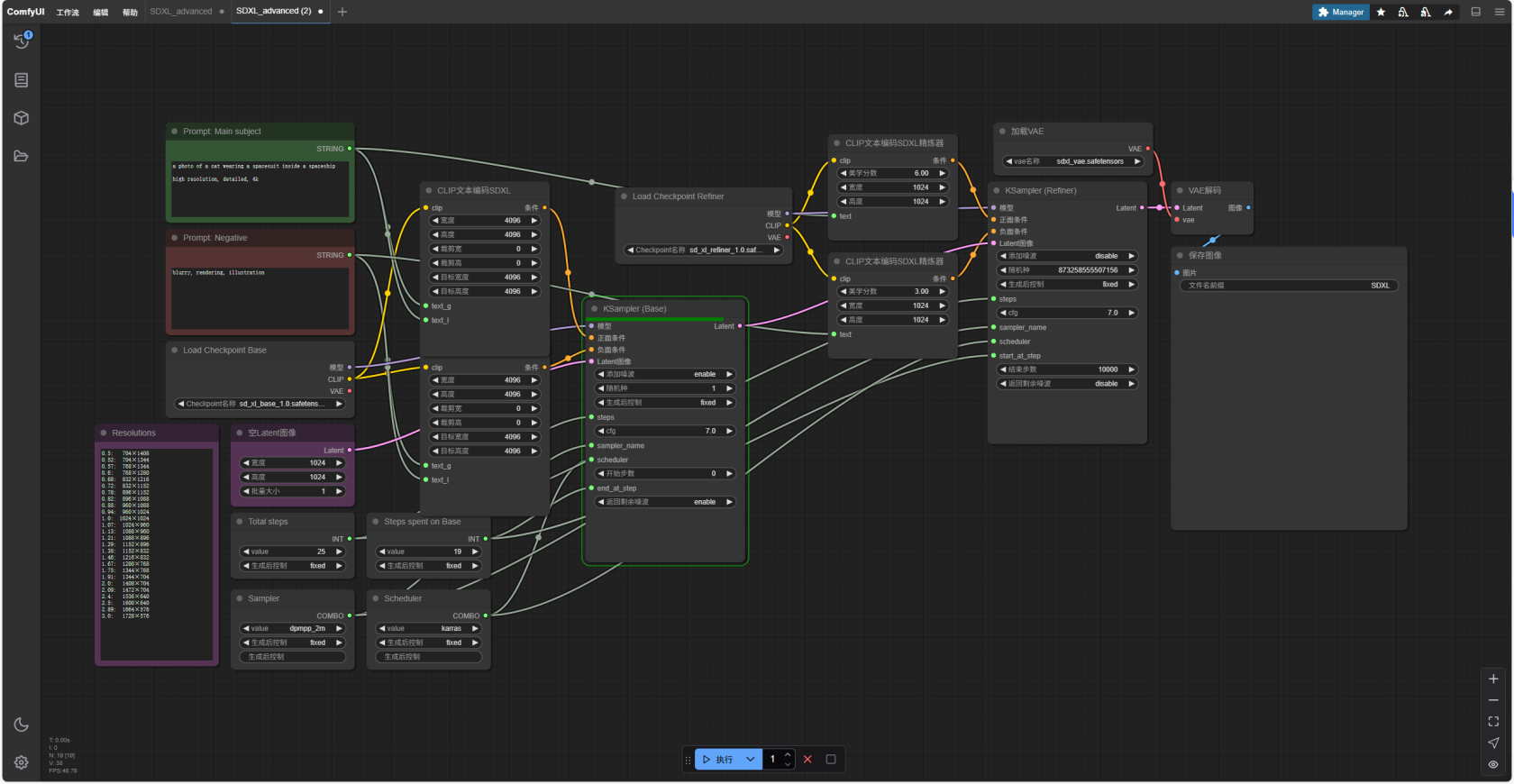
1. Download and build the jetson-container environment
git clone https://github.com/dusty-nv/jetson-containers.git
cd jetson-containers
bash jetson-containers/install.sh
2. Pull the docker image and run it
jetson-containers run dustynv/comfyui:r36.4.33. After a successful run, the terminal output looks like this
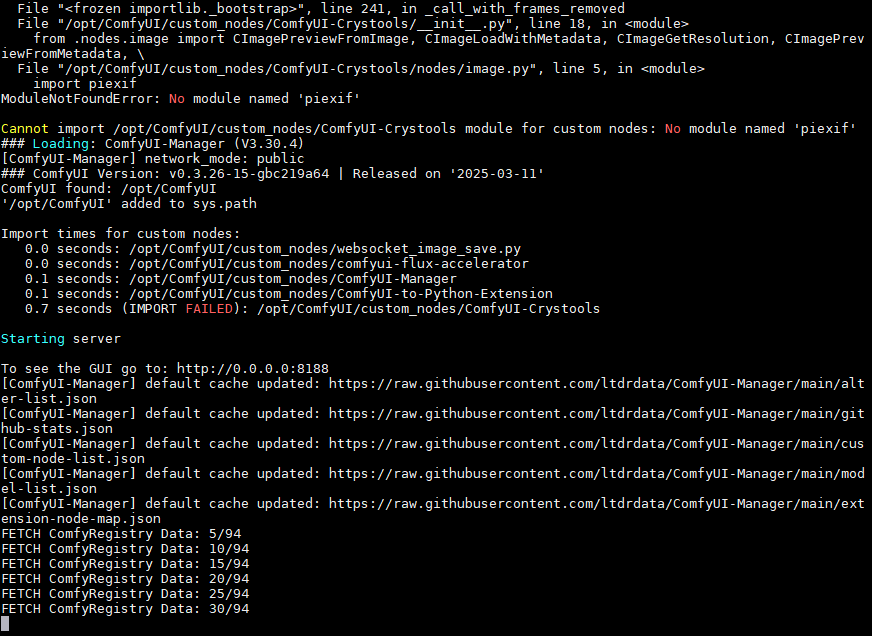
4. Open the service's GUI web page
If opening it on the Jetson device itself, visit http://0.0.0.0:8188
From another device on the same LAN, enter http://<jetson device IP>:8188
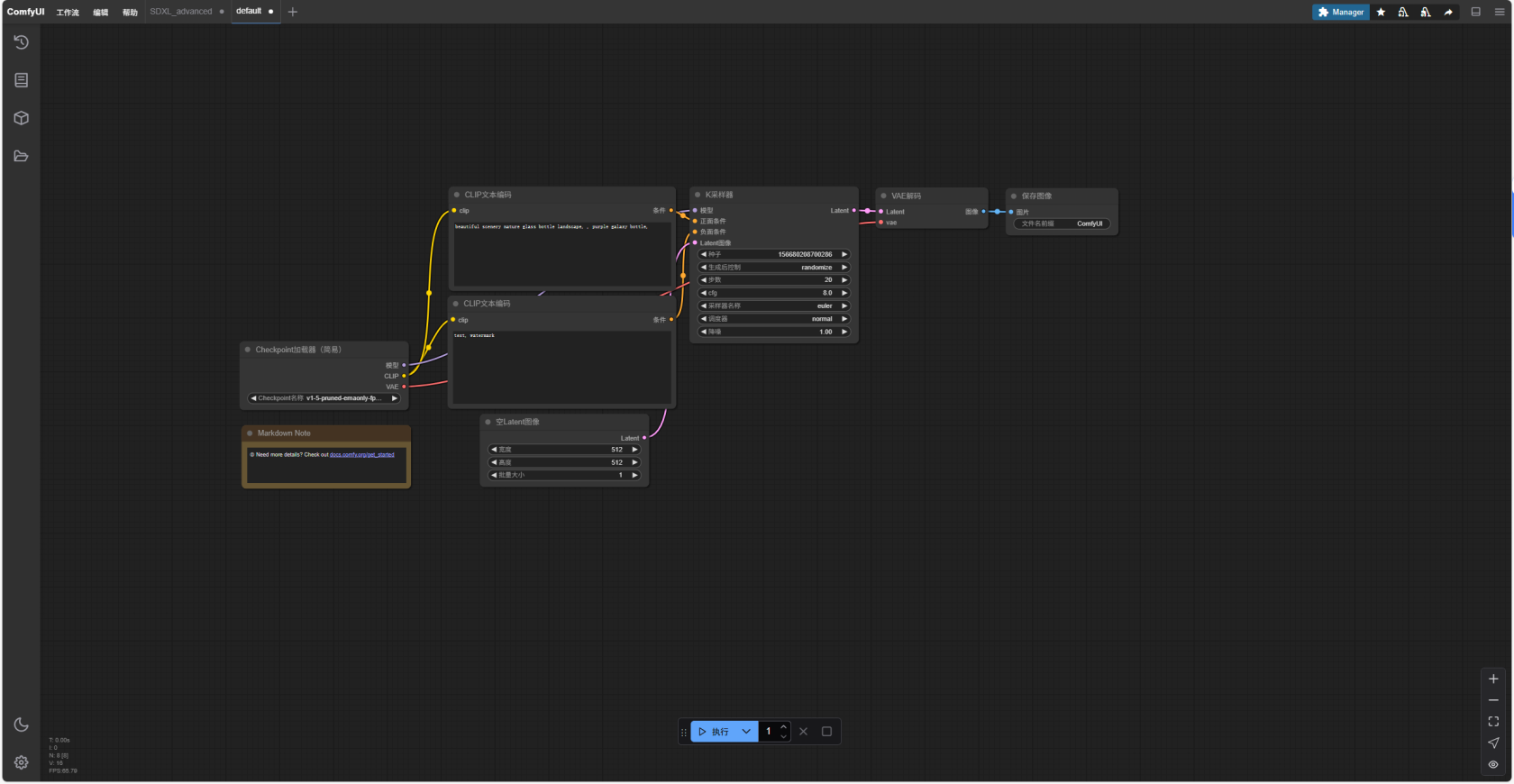
5. Set a mount path to map the models downloaded on the board into the container's internal directory
jetson-containers run ~/models/:/opt/ComfyUI/models/checkpoints dustynv/comfyui:r36.4.36. Build a workflow as needed and adjust parameters to generate images
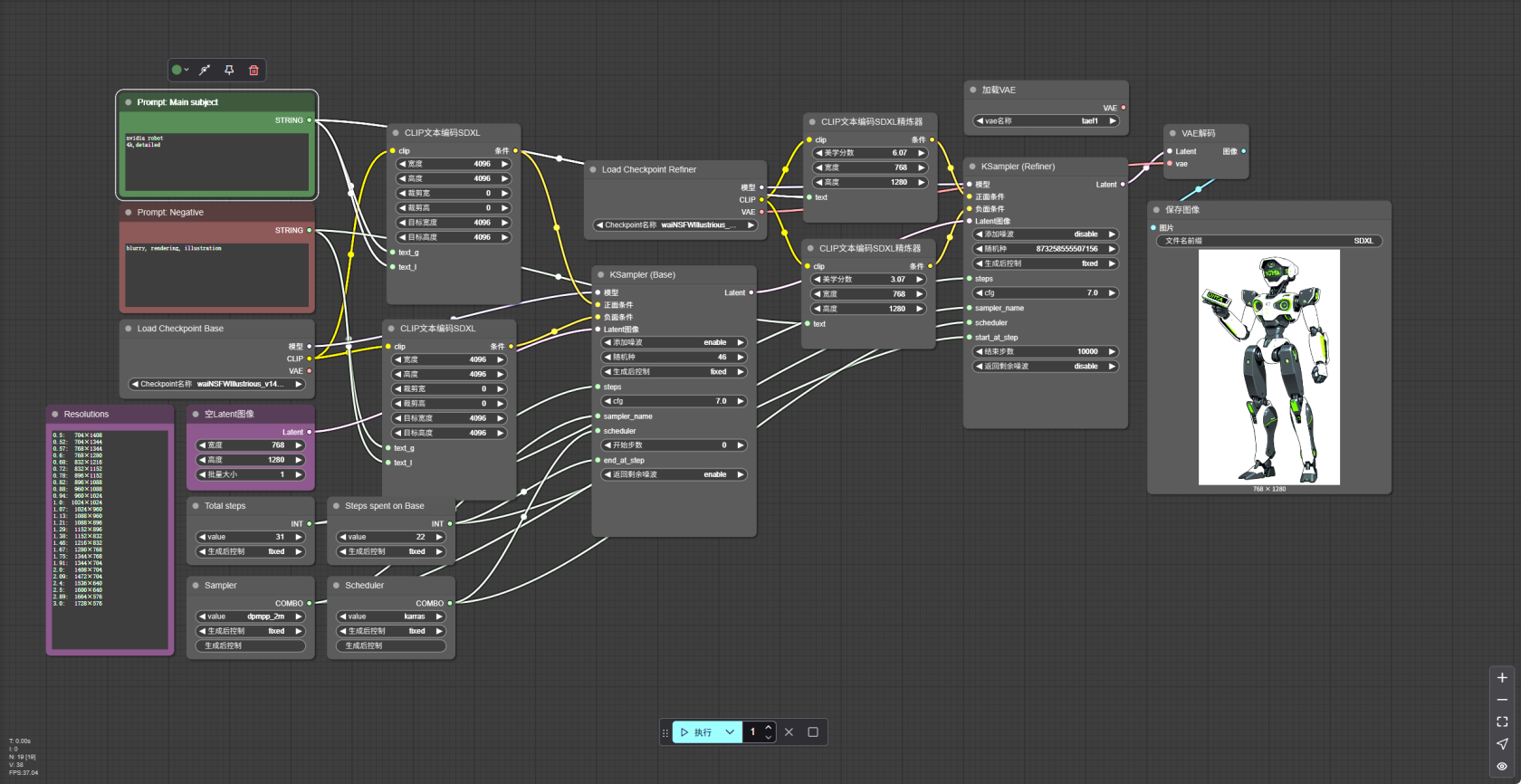
For ComfyUI usage tutorials, please refer to its official website: ComfyUI | Generate videos, images, and audio with AI